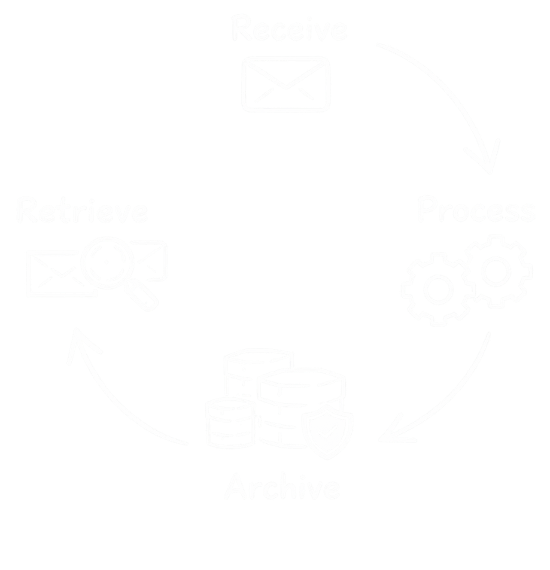
Customer Communications Archiving vs Email Archiving
People often use the phrase email archiving to describe very different problems.
In some cases, they mean mailbox journaling, employee inbox retention, or long-term storage of internal corporate email. In other cases, they mean preserving outbound customer communications such as marketing emails, transactional messages, notices, reminders, and service-related communications.
Those are related needs, but they are not the same category.
For many businesses, especially those that send large volumes of customer-facing communications through ESPs and messaging platforms, the real requirement is not just email archiving. It is a dedicated archive for outbound customer communications that remains searchable, retrievable, and governed over time.
Quick comparison
| Criteria | Customer Communications Archiving | Traditional Email Archiving |
|---|---|---|
| Main focus | Outbound customer-facing communications | Internal mailbox and employee email retention |
| Typical message types | Marketing emails, transactional messages, reminders, notices, lifecycle communications | Employee inboxes, internal mailboxes, corporate email records |
| Main systems involved | ESPs, marketing platforms, transactional messaging tools, customer engagement systems | Microsoft 365, Exchange, Google Workspace, internal mail servers |
| Common users | Customer support, compliance, legal, audit, operations, marketing teams | IT, security, legal, compliance, records management |
| Retrieval need | What was sent to a customer and when | What was stored in a mailbox or internal email account |
| Retention model | Often tied to message type, customer communication workflows, and governance needs | Often tied to mailbox retention, journaling, and corporate retention policy |
| Cross-platform requirement | Often important | Usually less central |
| Support visibility use case | Often important | Usually not the primary use case |
| Legal hold / review | Often relevant | Often relevant |
| Best suited to | Organizations preserving outbound customer communications | Organizations preserving internal employee email records |
Why the distinction matters
Traditional email archiving solves an important problem, but it is usually built around internal corporate email. That is not always the same thing as preserving outbound communications sent through marketing automation, customer engagement, transactional email, and service-related systems.
A business may already have mailbox archiving in place and still struggle to answer very practical questions such as what message a customer actually received, whether customer support can retrieve that communication quickly, whether outbound communications can be preserved outside the original sending platform, or whether the business can apply retention and legal hold to customer-facing messages.
Those questions are what push businesses toward customer communications archiving as its own category.
Why outbound communication history needs its own archive
Most messaging platforms are designed first for delivery, orchestration, personalization, and campaign performance. They are not always intended to be the long-term archive of record for the communications they send.
That creates a gap.
Support teams may need message visibility. Compliance may need a retained record. Legal may need preservation. Operations may need a cross-platform historical view. Over time, businesses often discover that the communication history itself needs its own archive layer, separate from the systems that originally delivered it.
What customer communications archiving should provide
A strong customer communications archive should usually provide:
- fast search and retrieval across large volumes of customer-facing messages
- preview of the actual communication that was sent
- business-context indexing such as customer IDs, case references, categories, or internal identifiers
- retention controls aligned to message type or business need
- support for legal hold, audit, and review workflows
- controlled visibility across different internal teams
These are the capabilities that make the archive useful well beyond simple storage.
Where CampaignVault fits
CampaignVault is designed for outbound customer communications archiving.
It helps organizations preserve, search, retrieve, and govern customer-facing communications across existing platforms, making message history easier to use for customer support, compliance, legal, audit, and operational workflows. Rather than treating outbound communications as something that may still be available inside the original sending platform, CampaignVault helps create a more dependable archive of record over time.
Which one does a business need?
In some cases, the answer is both.
Traditional email archiving may still make sense for internal employee mailboxes. Customer communications archiving makes sense where the business needs a separate archive for outbound customer-facing records produced across marketing, engagement, transactional, and service systems.
The key is not to assume they solve the same problem.
Related reading
- What Is a Customer Communications Archive?
- What Should a Customer Communications Archive Provide?
- How Do Companies Archive Outbound Customer Communications?
If your business needs a clearer archive for outbound customer communications, please contact us.